Learn HTML Code bootcamp Structuring content with HTML - Learn web development | MDN Relmusic
Welcome to the comprehensive bootcamp guide on structuring content with HTML. Whether you are stepping into web development for the first time or aligning your skills with modern MDN specifications, understanding how HTML organizes text, layout, and assets is crucial for building robust websites...
Core Principles of Content Structuring
HTML (HyperText Markup Language) serves as the skeleton of every web page. By using clean semantics, developers ensure search engines and assistive technologies can parse webpage hierarchies efficiently...
Interactive HTML Frameworks (Slide Cards)
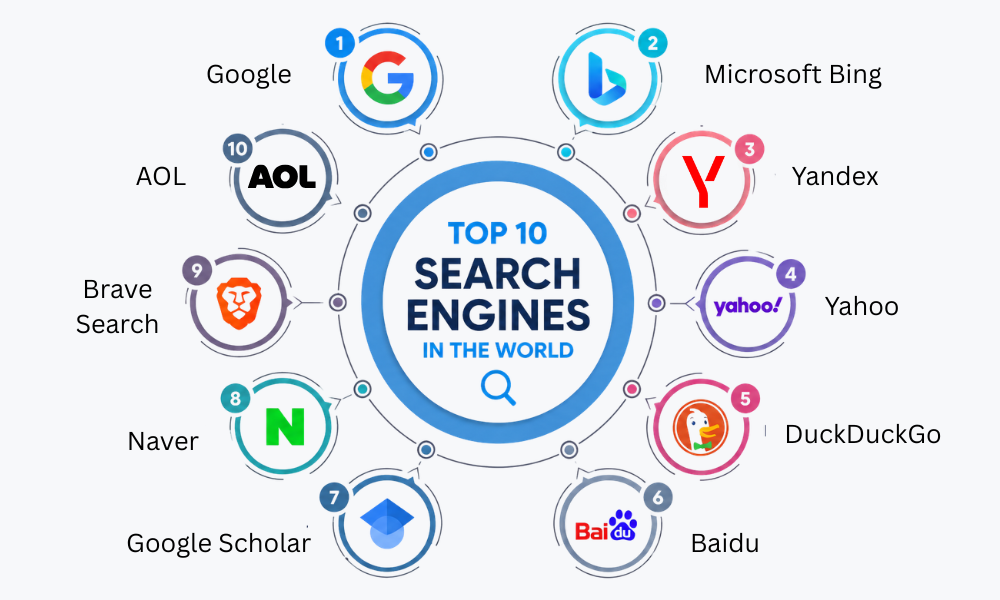
10 Essential External References
Frequently Asked Questions (FAQs)
Q1: What is HTML and why is it important?
A1: HTML is the standard markup language used to create web pages, giving structure and meaning to text and media.
Q2: What are semantic HTML elements?
A2: Tags that clearly describe their meaning to both the browser and the developer, such as <article> and <section>.
Q3: How does HTML support accessibility?
A3: Through proper semantic structuring, alternative text for images, and ARIA attributes for assistive screen readers.
Q4: Do I need CSS if I know HTML?
A4: Yes, HTML handles the structural layout, while CSS handles styling, presentation, and responsive layouts.
Q5: What is the difference between div and section?
A5: A <div> has no semantic meaning, whereas a <section> represents a standalone thematic grouping of content.
Q6: Where can I practice HTML coding?
A6: You can use online code editors, local environments with VS Code, or documentation platforms like MDN Web Docs.
Conclusion
Mastering HTML content structuring is the critical first step toward becoming a proficient web developer. By embracing semantic principles and clean coding standards, you create accessible, fast-loading, and SEO-friendly websites.